
首次安装Element遇到的问题和方法
Song •
1559 次浏览 •
0个评论 •
2021年08月26日
首次运行Element遇到如下错误
npm run dev报错如下:
npm ERR! Missing script: "dev"
npm ERR!
npm ERR! To see a list of scripts, run:
npm ERR!   npm run

npm ERR! A complete log of this run can be found in:
npm ERR!     /Users/songlu/.npm/_logs/2021-08-26T06_02_42_747Z-debug.log
解决办法
vue init webpack? Generate project in current directory? Yes
? Project name wechats-element
? Project description A Vue.js project
? Author **** <****@qq.com>
? Vue build standalone
? Install vue-router? Yes
? Use ESLint to lint your code? Yes
? Pick an ESLint preset Standard
? Set up unit tests Yes
? Pick a test runner jest
? Setup e2e tests with Nightwatch? Yes
? Should we run `npm install` for you after the project has been created? (recommended) npm-
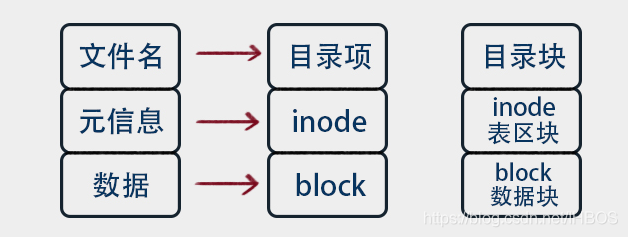 阿里云运行Laravel项目导致磁盘 Inode 用满导致的故障解决办法 2021-08-25
 -
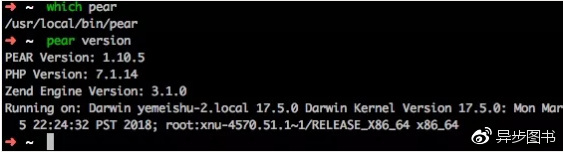 ubuntu 18.04安装php7.4以及通用拓展 2021-08-24
 -
 Mac安装使用pear/pecl快速安装PHP展库仓库 2021-08-24
 -
 Laravel 明明有class类找不到Class not found 2021-08-17
 -
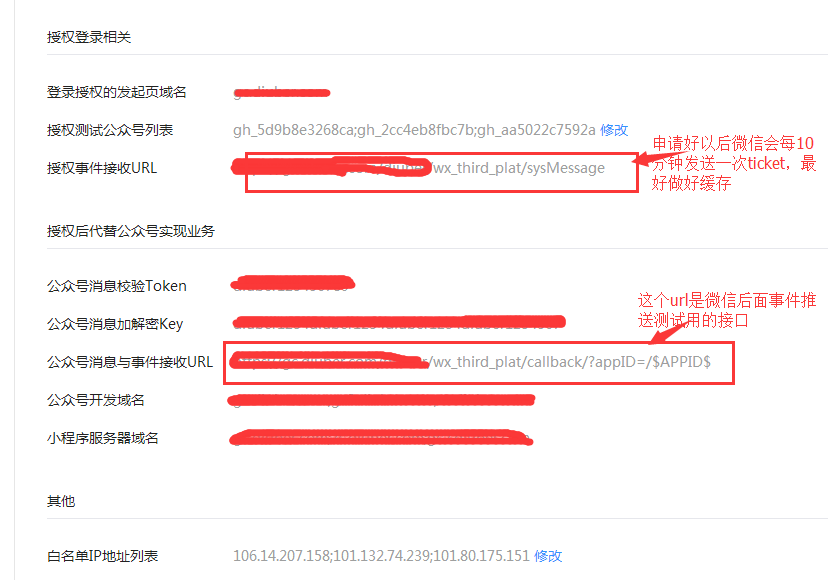 Laravel/php 7实现微信开放平台消息加解密 2021-08-16
最新更新
公告提示
-
 扫码加入QQ群


更多相关好文